The Ultimate Guide to Finding Your Public IP Address Using CMD (Command Prompt)
Usually, when you want to find your public IP address, you go to Google and search “what is my IP.” But there is also a simple command you can run in Windows CMD that will display your public IP address directly.
Open CMD or PowerShell (PowerShell 7) and type:
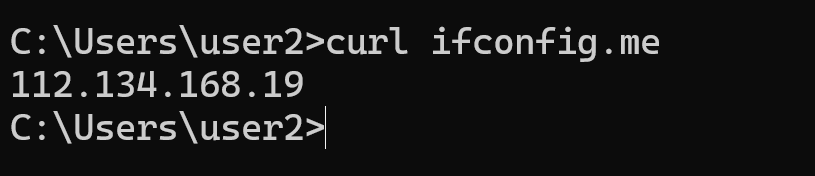
curl ifconfig.meThe output will show your public IP address, as shown in the screenshot below.
How to Find Your Private IP Address
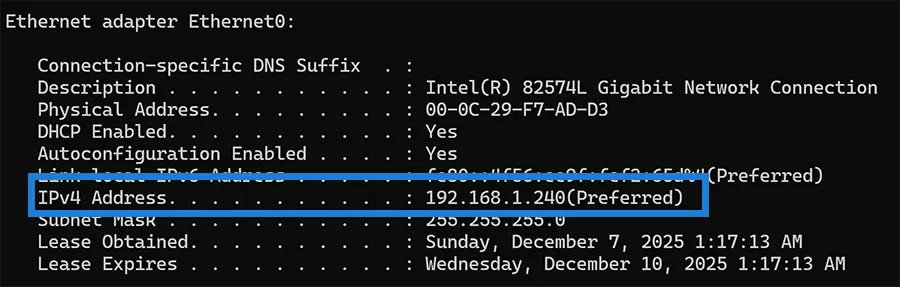
You can find your private IP address using the ipconfig /all command.
ipconfig /allYou will see your private IP next to the IPv4 Address entry under your network adapter.
Your private IP address is assigned to your computer’s network interface, while your public IP address is assigned to your router by your ISP (Internet Service Provider). The public IP is the one used when you connect to the internet.