How to Download WordPress from the Linux Command Line
If you want to set up a WordPress website on a remote Linux server, you don’t have to download WordPress on your local computer and upload it via FTP. The easier and faster way is to download WordPress directly from the Linux command line using the wget command.
wget https://wordpress.org/latest.tar.gzStep 1: Go to the Web Root Directory
To set up a DocumentRoot for your website with WordPress, first move to the Apache document root. In Ubuntu, this directory is located at /var/www/.
You can move into it using:
cd /var/www/Step 2: Download the Latest WordPress Package
To download WordPress from the Linux terminal, use the following wget command:
wget https://wordpress.org/latest.tar.gzThis command downloads the latest version of WordPress directly from the official WordPress website into your current working directory.
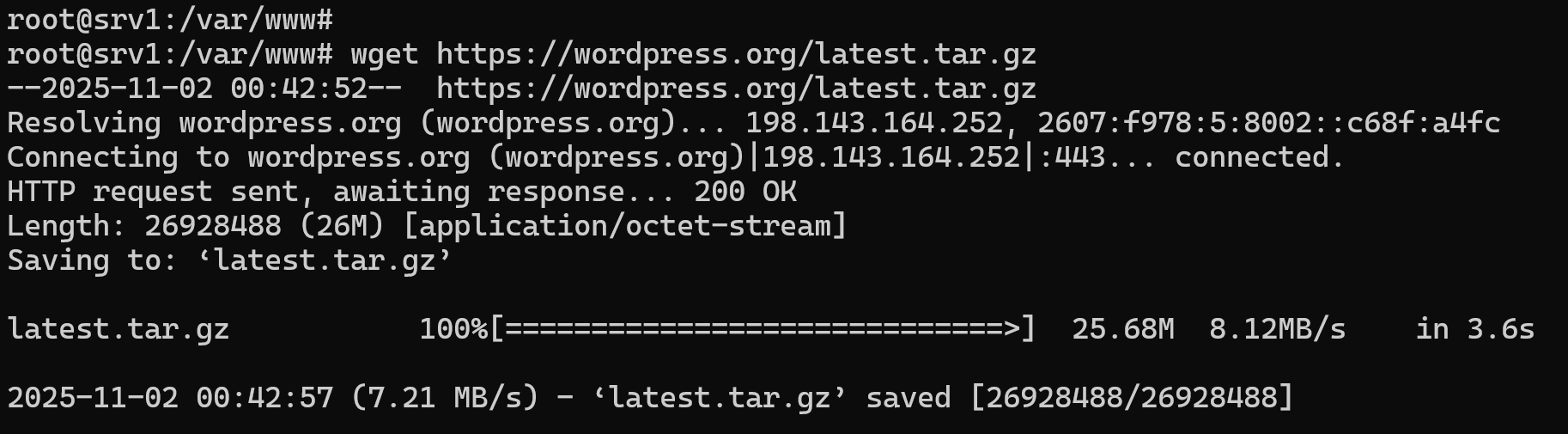
After the download completes, you’ll see a file named latest.tar.gz, which contains all the WordPress installation files.
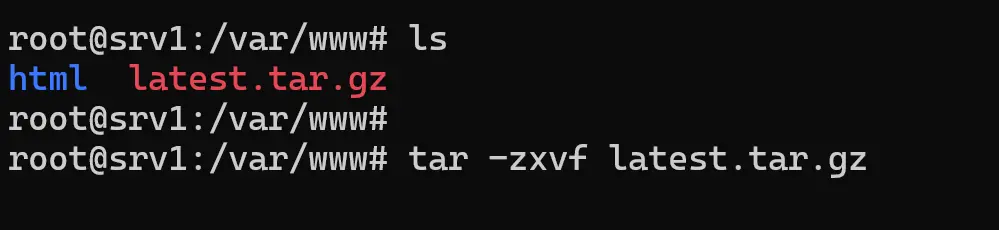
Step 3: Extract the WordPress Archive
Next, extract the WordPress archive using the tar command:
tar -zxvf latest.tar.gzThis will unpack all the WordPress files into a new folder called wordpress.
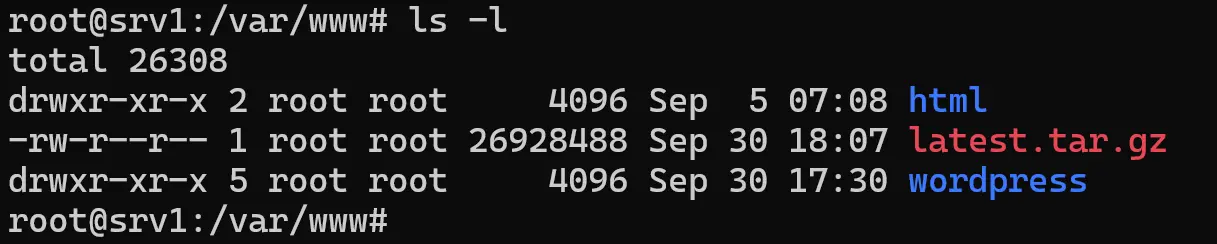
Step 4: Rename the Folder for Your Website
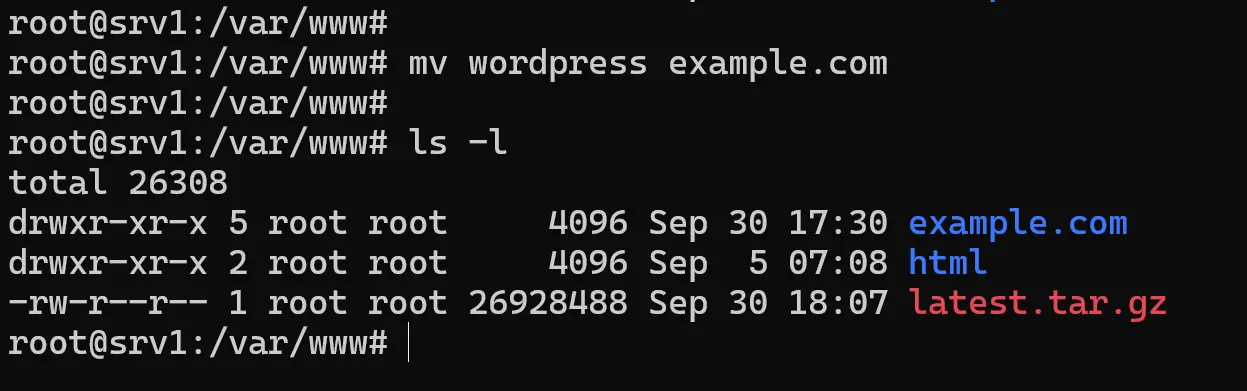
Once extracted, you can rename the WordPress folder to match your website’s domain. For example, if you’re setting up a website for example.com, run:
mv wordpress example.comNow, inside your /var/www/ directory, you’ll have a folder called example.com, which contains the WordPress installation files.
Ready to Continue Installation
At this point, WordPress has been successfully downloaded and extracted into your web root directory. You can now proceed with setting up the Apache configuration file for your domain name to point to your WordPress site.